
Technical documentation
Guides · Examples · Reference
Understand how it works. Build what you need.
Documentation for our tools, from your first working result to the API reference. For every product, we state what is released and where its limits are.
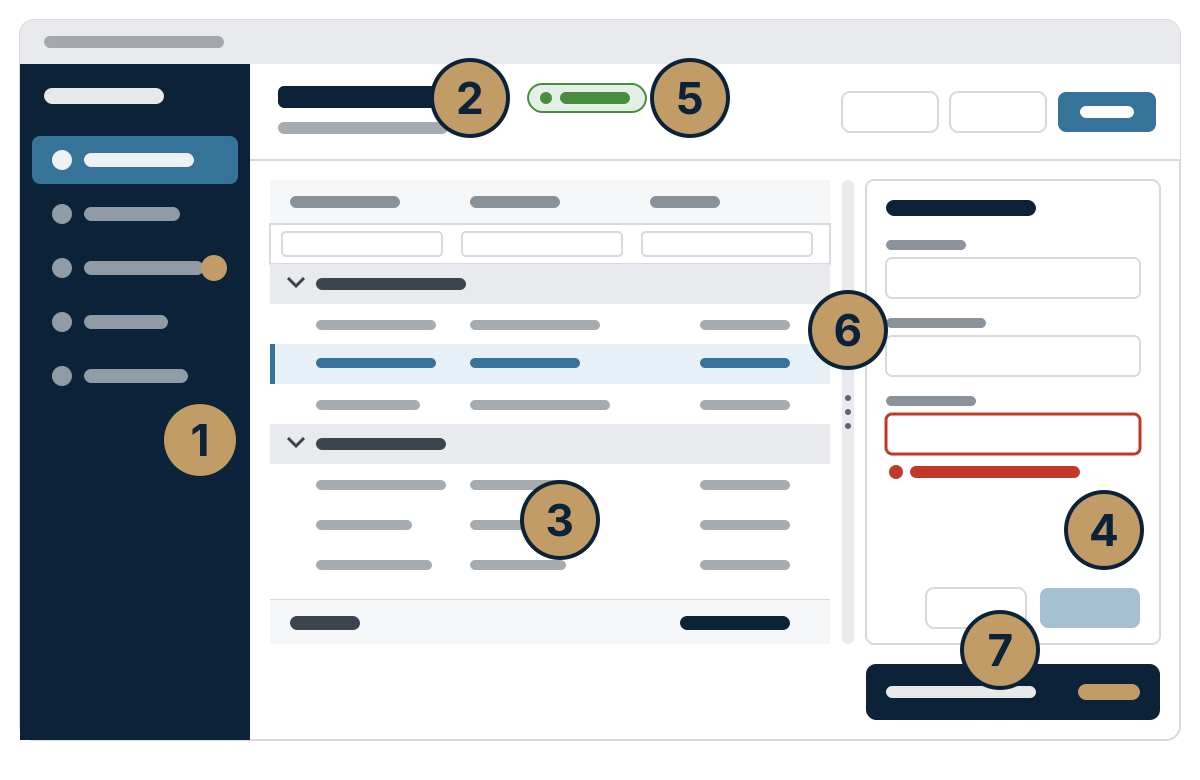
Start with your task
- Getting startedInstall, set up, and verify your first result.
- Understand the conceptsArchitecture, how things work, and the technical decisions behind them.
- API and referenceInterfaces, types, options, and contracts to look up.
- Solve problemsSymptoms, their causes, and fixes you can follow step by step.
Products
Access: four tools for one Access application
For teams that would rather modernize a proven Access application than rewrite it. Each tool closes one gap; together they carry the application from its forms all the way to every user’s desk.
- Forms Object Library – grids, trees, Gantt charts, and navigation for your forms. Released
- Office JSON – read and write web service responses in VBA, with no silent rounding. Released
- Office SDK – your application as source code in Git, built from a fixed revision. In development
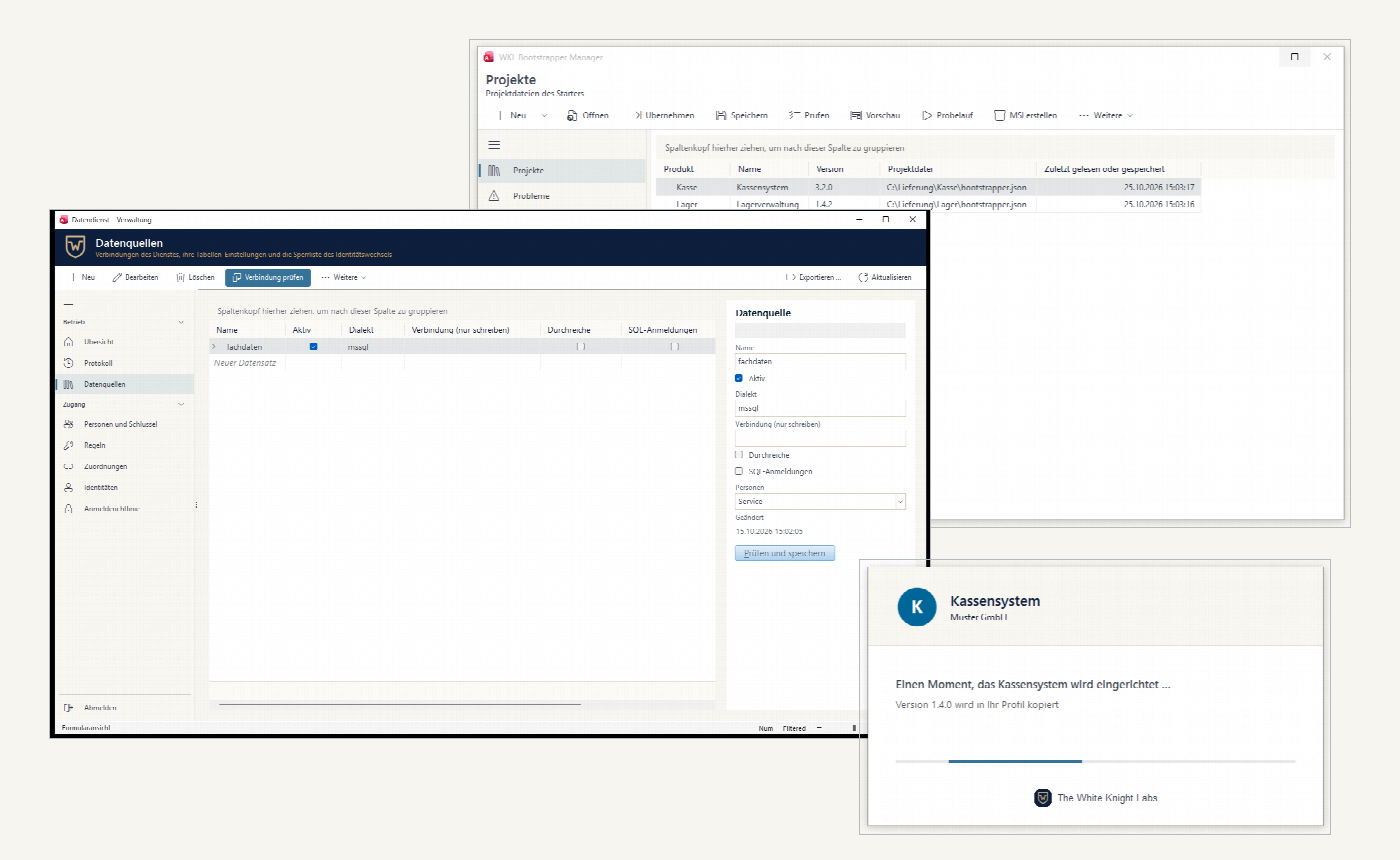
- Bootstrapper – new releases installed per user without admin rights, once IT has installed the starter (Windows 11, 32-bit or 64-bit Access). Released
Data integration: SQL Server data through a data service
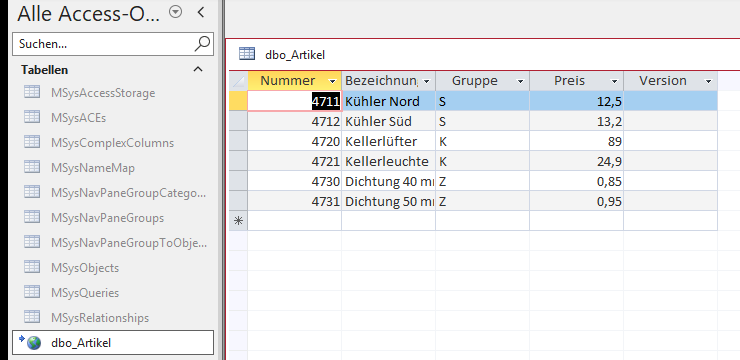
A data service makes SQL Server data available over HTTP and OData—with no database password on the desktop, permissions per table, and access from outside without a VPN. The OData ODBC driver links the tables in Access, where users edit them in the datasheet without writing any VBA.
Data service documentation · OData ODBC driver documentation · Overview page (in German)
DokuWiki extensions: the platform behind this site
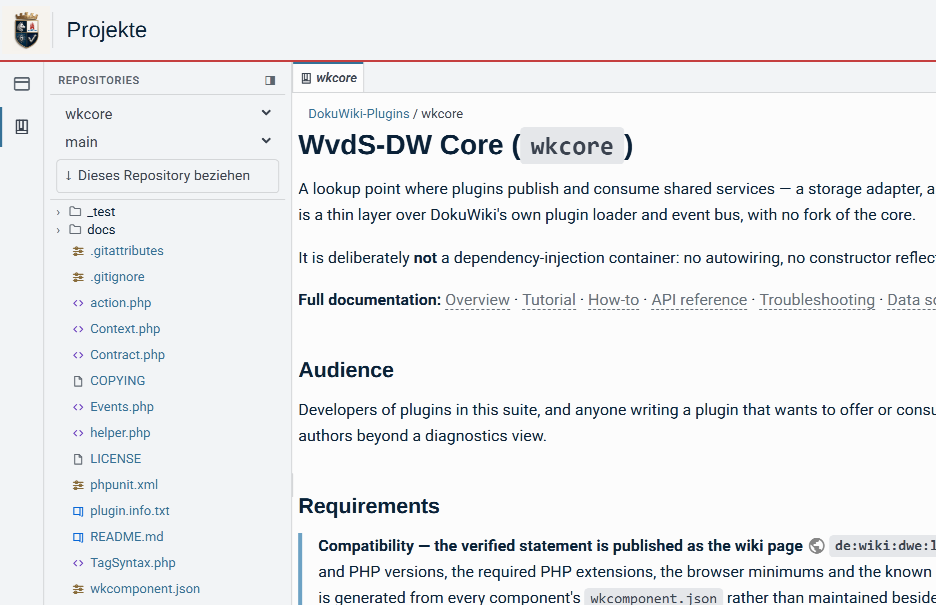
The extensions this site runs on turn DokuWiki into a working environment: sign-in with a second factor, project and repository access, a database environment, a user-interface toolkit, and the markup pages are written in.
Every package comes with a quick start and its own documentation.
Post-quantum cryptography: ML-DSA and ML-KEM for the software you already have
A .NET library adds the ML-DSA signature and the ML-KEM key encapsulation mechanism to existing code, one call site at a time. A crypto service offers the same algorithms as a separate process, for embedded and industrial systems on L4Re or Windows.
Preview
Both are published as previews.
// Binds to .NET – unchanged.request.CreateSelfSigned( notBefore, notAfter); // Binds to the library:// classical plus ML-DSA.request.CreateSelfSigned( notBefore, notAfter, CryptoMode.Hybrid);
CryptoMode routes it into the library.TrustBridge: trust between organizations, one partner at a time
For companies in a supply chain whose systems have to work together – without a shared network, central accounts, or certificates of unclear origin. Each organization keeps its own identities, keys, and rules; trust is agreed per partner, for a defined purpose, and can be revoked at any time. Connections run over TLS 1.3 and are additionally protected by an independently generated post-quantum secret. What a partner may do is still decided by the target application, such as the Database Gateway.
In development
The documentation describes the full feature set.
Overview · Federation and bilateral trust · Operating models · Connecting the Database Gateway

More areas
- AMED/WISProgram description of a long-grown system for a plant’s technical assets, motors, and instrumentation data. In German only.
- Your workspaceProjects, repositories, and work items for customers and partners. Sign-in required.
- HelpSecuring your account, fixing a problem on your own, working with projects, and writing – all the guides in one place.
- Working with projectsFrom finding a project to submitting a change.
- Set up two-factor sign-inProtect your account with an authenticator app or email.