
OData ODBC Driver · for existing Access applications
Connect existing Access applications to a data service—without a rewrite
A proven application, a new path to its data. Linked tables, forms, and reports stay.
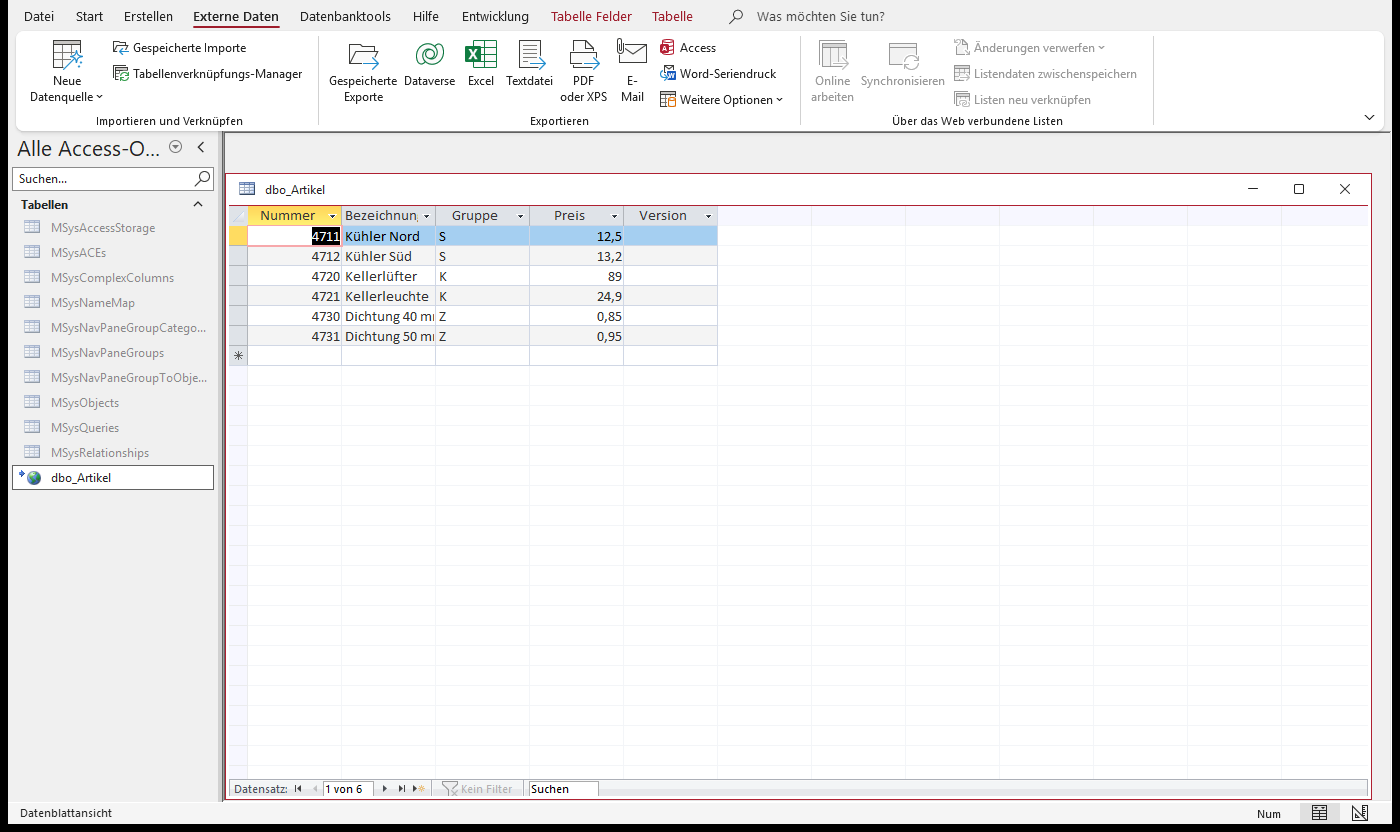
With the driver, Access talks to a data service instead of the database. The tables stay linked, and datasheets and forms work as before—what changes is the connection string.
- Access application, unchanged
- OData ODBC Driver
- Data service: sign-in, permissions
Access links the tables through the driver. Only the data service reaches the database.
The starting point
Access isn't the problem—at least not always. Often it's the path to the data.
An Access application that has grown over the years usually links its tables straight to SQL Server. The next security review, or the first request to work from outside the office, puts that path under scrutiny:
- The password sits in the link. If “Save password” was checked when the table was linked, Access stores the password in the file unencrypted, Microsoft says—and every copy carries it along.
- Every workstation reaches the database. From outside, that works only through a VPN or an open database port.
- Permissions live in SQL logins and in code. There's no central way to block access, require a second factor, or set rules by where a request comes from.
VPN, rewrite, or driver?
Three paths—and what each one costs
- Stay direct, with a VPN from outside. For office work, that's entirely sufficient. But the passwords in the files, every workstation's access to the database, and the scattered permissions remain, and the VPN has to run on every device.
- Rewrite the application. The right call when the application itself is holding the business back. When only its path to the data falls short, a rewrite also replaces everything that works: forms, reports, and well-established workflows.
- Access's built-in Data Services link. It relies on Business Connectivity Services, not on OData, and the linked table is read-only.
The driver takes that third idea seriously and makes it writable: it reads tables, columns, types, and keys from the service, and Access edits the data in datasheets and forms. What you switch over are the connections; if an application builds its connections in startup code, that code needs a small change. Background and alternatives in detail
With the driver
What changes on the way to the data
Today
Access application
- linked tables
- forms
- reports
the connection, password included, in the file
SQL Server ODBC driver · database port · VPN from outside
SQL Server
- one login per person or application
With the driver
Access application
- linked tables
- forms
- reports
a new connection string, no database password
OData ODBC Driver · HTTPS · Windows account or personal key
Data service
- sign-in, second factor
- permissions per table
- log
Only the data service reaches the database
SQL Server
What users notice: they sign in with their Windows account or a personal key, with a second factor where the service requires one—not with a database password.
That path reaches beyond Access. Through Database Gateway, Excel, Power BI, and your own programs reach the same tables, with the same permissions and in the same log. A later step, such as moving part of the application to .NET with the .NET client, can build on the same service.

What changes, and for whom
| Who | What stays, and what gets better | What it takes |
|---|---|---|
| Users | Datasheets and forms work as before, and a write conflict appears just the way Access has always shown it. | A second factor at sign-in, where the service requires one. |
| IT management | No database password is left on the workstation. The service checks who may read or change which table, in one place. | One more data service to run, plus a certificate the workstations trust. |
| Access developers | Tables are linked, not reprogrammed. Datasheets, forms, and single-table queries keep working. | New connection strings. The data service checks and runs multi-table queries; only unchecked pass-through queries need to be enabled. Loops that fetch row by row get slower. |
| Operations | One installer for 32-bit and 64-bit; workstations no longer need access to the database. | Deploy the driver in the bitness of Office and update it with each release. |
Fit
Will your application fit?
A first assessment in three steps, based on the driver's documented limits. It doesn't replace a test with your application, but it shows where the work will be.
If your application talks to SQL Server directly through ODBC Driver 18 today, also go through the differences from ODBC Driver 18 point by point: procedure calls, parameters, result sets, and data types.
Works as is
- Reading, filtering, adding, changing, and deleting in linked tables, in datasheets and forms—with the familiar write conflict when two people change the same record.
- Queries that read a single table. The filter runs on the service; the driver never quietly loads the whole set.
- Multi-table queries—the driver passes joins and subqueries on to the service. The Database Gateway data service checks them against the user's rules and runs them, with nothing to enable; another service needs an address for custom statements.
BeginTrans,CommitTrans, andRollback—where the service offers transactions, as the Database Gateway data service does.
Needs targeted rework
- Pass-through queries that change the schema, create temporary tables, or contain several statements run unchecked, so whoever operates the service enables them for each data source and caller (enable custom statements). What the driver translates itself: Supported SQL.
- Updates and deletes need a row version that the service declares; tables without a key stay read-only unless the service offers something else. The fix belongs on the service, not in Access.
- Code that fetches row by row gets slower than over a direct connection—see reading large sets.
- Several databases, schemas, or identities in one file each need their own
DATABASEvalue. Otherwise Access silently uses the same connection for all of them—read this before linking. LIKEonly in the formsx%,%x, and%x%, with no_wildcard.
Not possible through the driver
- Output and return parameters of procedures, and multiple result sets.
- Services that speak OData v2 or v3, or that have no
$metadata. - Parts of the OData model with no relational counterpart: complex values, collections, navigation properties, singletons, and functions.
Where the driver is released
- Environment: Windows 10 (version 1607 or later) and Windows 11, Windows Server 2016 or later; Access 2010 or later or the Access Runtime, 32-bit or 64-bit, with the driver in the bitness of Office.
- Programming interfaces: DAO, and ADO.NET on .NET 10, .NET 8, and .NET Framework 4.8; Visual Studio with Server Explorer and the TableAdapter Configuration Wizard.
- Service: released for the Database Gateway data service on SQL Server 2016 or later; any other OData v4 service has to meet the requirements for an OData service. The service decides what's possible without pass-through, grouping, and transactions.
What your IT security team will want to know
Whoever signs off on the move asks three things: what the driver does, what stays with the service and with operations, and what the driver doesn't do.
- What the driver does: no database password on the workstation and no workstation access to the database. People sign in with their Windows account or a personal key, with a second factor where the service requires one. Passwords and personal keys travel only over HTTPS or to a service on the same machine, and the service's certificate is checked against the Windows trust store.
- What stays with the service and operations: the service alone decides who may read or change which table. From the workstation it receives the sign-in, after the second factor a session for all of the program's connections, and, where one is chosen, the database identity—nothing about the device itself. So whether a private device or access from abroad is allowed is set at the service, by sign-in method, origin, and country. Operations also provides the certificate the workstations trust and deploys the driver in the bitness of Office.
- What the driver doesn't do: it isn't a security filter. A program that calls the service without it has the same permissions. With another OData service, that service's security applies, so review it there.
The driver's security model, with every boundary · the data service's · Zero trust and private devices
Where to start
- Link a table in AccessThe first step, with a screenshot of each stage: set up a data source, link a table, edit it in datasheet view.
- Deploy the driver to workstationsOne package for 32-bit and 64-bit, matched to the bitness of Office, with the service's certificate.
- Sign in with a personal keyNo domain and no SQL password—with a second factor wherever the service requires one.
- Query across several tablesThe service runs joins and subqueries, checked against your rules.
- Read large sets quicklyWhy row-by-row loops slow down, and what to do instead.
- Use it from .NET and Visual StudioADO.NET with System.Data.Odbc, Server Explorer, and the TableAdapter Configuration Wizard.
Want to know what comes with the driver and what workstations and the service need for it? The product page lists features, requirements, and limits.
See the product page